The problem
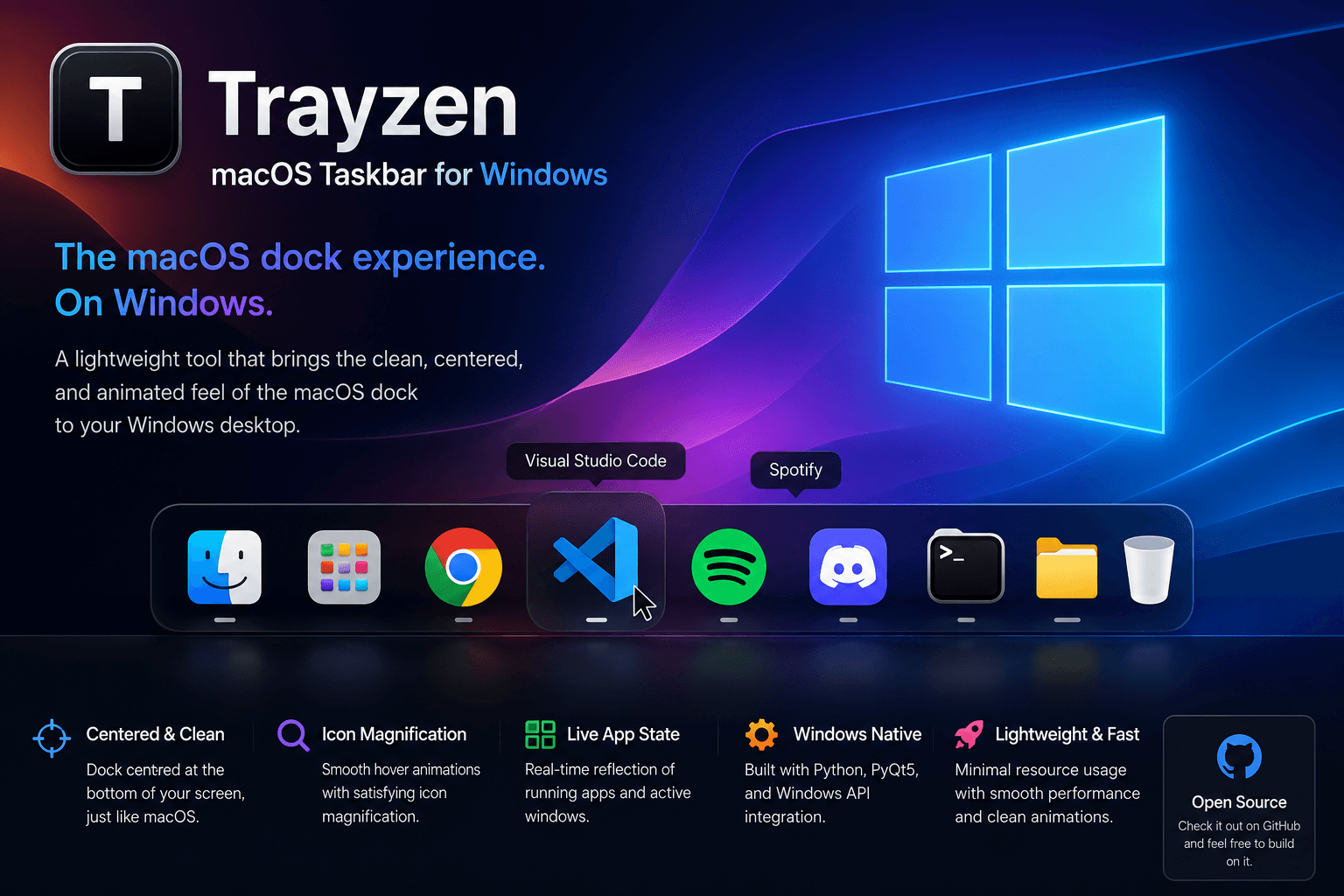
Windows taskbars are functional. They just do not feel as clean or as intentional as the macOS dock. Centered icons, floating dock, icon magnification on hover — these are small things, but once you have used them every day they become the kind of thing you notice every time they are missing. Switching operating systems just for a taskbar is not the answer. Building something that bridges the gap is.
The approach
- Built in Python using the Windows API and PyQt5 for the interface rendering layer
- The dock renders in the macOS style — centered on the screen, floating above the standard taskbar, with smooth icon magnification on hover and clean animation transitions
- Under the hood it hooks into Windows’ native system tray and taskbar management APIs to read the running application state and reflect it in the dock UI
- Getting smooth animations and real-time icon rendering to work reliably inside the constraints of how Windows manages its taskbar at a system level was the main technical challenge. It worked.
The result
A functional macOS-style dock on a Windows machine. MVP completed and working as intended. The idea got shelved after the MVP because keeping up with Windows system-level API changes across OS updates was not where I wanted to spend ongoing time. The code is on GitHub for anyone who wants to take it further.